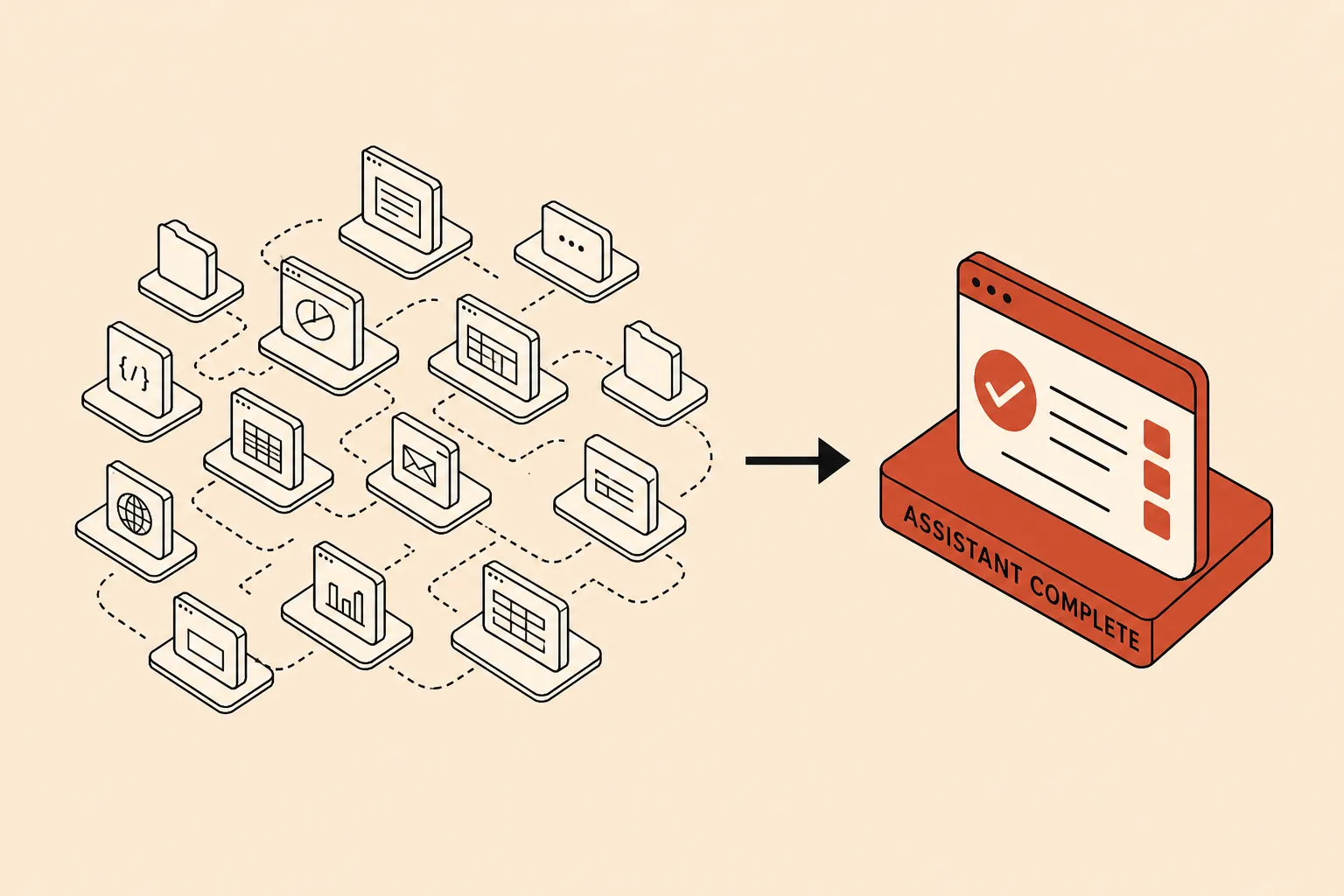
Figma added its AI agent inside Dev Mode on November 19, 2026, so you can inspect designs, compare versions, pull code snippets and bulk-download assets in one place.
Figma added the ability to work with its AI agent inside Dev Mode, dated November 19, 2026 on the company's own Figma release notes. From Dev Mode you can now prompt the agent to inspect and understand a design, compare versions, ask for code snippets, and get links to download assets in bulk. It is a step in the path from design to code, the handoff a developer makes when turning a layout into a built page, not a change to how search ranks or crawls anything.
Figma's note does not spell out which plans, platforms or regions include the agent in Dev Mode, and it points to a help center article for those details. Treat it as available within Figma rather than assuming it reaches every seat, and check your own account for what is switched on.
A faster handoff, not a shortcut past the build work
The value here sits on the build side. A cleaner path from a design to working code can cut the back-and-forth between designers and developers, which is often where a project stalls. It continues the direction Figma set with its Config 2026 design-to-code updates, moving more of the handoff into the tool itself.
One thing is worth keeping in view. A quicker route from design to code does not remove the work of making that code fast, accessible and legible to search engines and AI; it mostly moves where that work shows up. A page still earns its visibility by loading quickly and reading clearly, however the code was produced. If a built-to-be-found site is the goal, that stays a web design and build question as much as a design-tool one.
Frequently asked questions
What is the Figma agent in Dev Mode?
Figma's Dev Mode agent, added on November 19, 2026, lets you work with Figma's AI assistant directly inside Dev Mode, the part of Figma developers use to turn a design into code. You can prompt it to inspect and understand a design, compare versions, ask for code snippets, and get links to download assets in bulk. It sits inside the design file rather than in a separate tool.
What can the Figma agent do inside Dev Mode?
Inside Dev Mode, the Figma agent can inspect and explain a design, compare one version against another, produce code snippets on request, and return download links so you can pull assets in bulk. The aim is to shorten the handoff between a finished design and the code a developer builds from it.
When did Figma add the agent to Dev Mode, and who can use it?
Figma dated the update November 19, 2026 on its release-notes page, posted as a shipped release rather than a staged rollout, and it carries no version number because Figma ships continuously. The note does not specify which plans, platforms or regions include the agent in Dev Mode, and points to a help center article for those details, so availability is best checked inside your own Figma account.
What does a faster Figma design-to-code handoff mean for getting your business found?
Figma's Dev Mode agent is a build-side tool, so there is nothing to switch on for search or ranking. The practical gain is a shorter path from design to working code, which can get a site shipped sooner. A faster handoff still leaves the real visibility work in place: a page earns its spot in search and AI answers by loading quickly and reading clearly, whoever or whatever wrote the code.