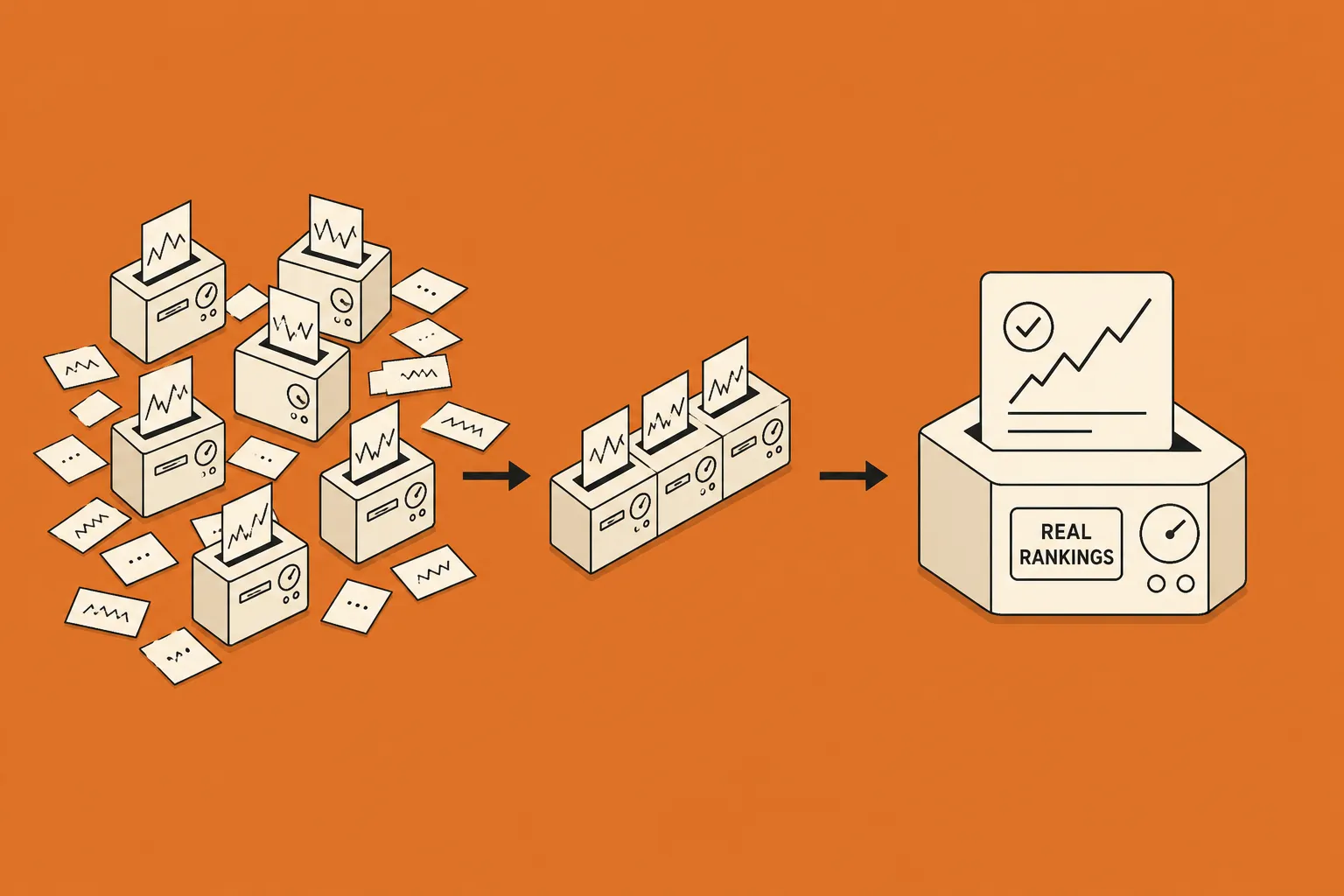
Google has added a way to mark the lead-form answers that point to a real prospect, so your Search ad enquiries arrive already split into qualified and the rest.
Google now lets you flag the answers that mark a real prospect
Google Ads lead forms can now treat certain answers to a custom question as a signal of quality. In the setup Google documents as qualifying responses in lead forms, you mark one or more answers to a question as qualifying, and any submission that includes one is automatically tagged as a qualified lead. The question you use for this has to be required, so everyone who submits answers it. Trade coverage has nicknamed the change "lead scoring", though Google does not use that term.
The signal travels with your data. Each submission carries a Lead stage value in the export Google routes to you by CSV, webhook and API, and once a qualifying question is running in a live campaign, a conversion lands in the Qualified lead goal labelled "Lead form - Response qualified (Google-hosted)". The feature sits alongside the existing lead form assets on Search campaigns rather than replacing them, and Google states it is available for Search campaigns only.
Dating it is less tidy. The change was reported on 16 October 2026 by Search Engine Roundtable, tracing back to Hana Kobzová at PPC News Feed, but Google's help page shows no publication or rollout date. Read it as a recently surfaced feature that looks to be rolling out, not a formally announced launch. One figure doing the rounds, up to 12 qualifying answers per question, comes from that trade reporting rather than Google, whose own page says only "one or more" with no stated maximum.
Fewer, better enquiries, if you choose the question well
For accounting and advisory firms and other professional-services practices running lead-form ads, the appeal is simple: fewer time-wasting enquiries reaching your team. Instead of treating every form fill the same, you decide which answer marks a genuine prospect, perhaps a specific service, a location you cover, or a budget that fits, and Google sorts submissions against it as they come in. It is the same instinct behind a tidy Google Ads account checklist: small configuration choices that change the quality of what reaches you.
Two caveats keep this calm. Because a qualifying answer becomes a conversion in the Qualified lead goal, you could optimise toward it if you bid to that goal, but Google's documentation does not claim the feature automatically feeds Smart Bidding, so confirm that in your own account before assuming it. And because the qualifying question is required, it adds a step for every entrant, which can lower your raw submission count. That is usually the point, yet it is worth watching your qualified-lead numbers rather than the headline total. If paid enquiries are part of how your firm gets found, this is a modest lever worth testing, and an easy one to talk through with us as part of a wider ads setup.
Frequently asked questions
What is Google Ads lead form scoring?
Google Ads lead form scoring, which Google calls qualifying responses, lets you mark one or more answers to a custom question in a lead form as the responses that signal a genuine prospect. When someone submits the form and picks a qualifying answer, Google automatically tags that submission as a qualified lead, so your enquiries arrive already sorted rather than as one undifferentiated list. Trade press has labelled the feature lead scoring, though Google itself does not use that name.
How does a Google Ads lead form decide a submission is qualified?
With Google Ads qualifying responses, you choose which answers to a custom question count as qualifying, and that question becomes required so every entrant answers it. A submission that includes a qualifying answer is tagged as a qualified lead automatically. Each submission also carries a Lead stage value in the data Google sends you by CSV, webhook and API, and when the question is live in a campaign a conversion is recorded in the Qualified lead goal as "Lead form - Response qualified (Google-hosted)".
Where do Google Ads qualifying responses work, and when did they appear?
Google Ads qualifying responses are available for Search campaigns only, according to Google's own Ads Help documentation. The feature was reported on 16 October 2026 by Search Engine Roundtable, drawing on Hana Kobzová at PPC News Feed, but Google's help page carries no publication or rollout date, so it is best read as a recently surfaced feature that appears to be rolling out rather than a dated launch.
Do Google Ads qualifying responses feed Smart Bidding?
With Google Ads qualifying responses, a qualified lead is recorded as a conversion in the Qualified lead goal, which means you could in principle optimise toward it if you bid to that goal. Google's documentation stops short of saying the feature automatically feeds Smart Bidding, so treat the bidding connection as unclear for now and confirm it in your own account before you rely on it.
What does Google Ads lead form scoring mean for my firm's enquiries?
For an accounting, advisory or legal firm running Google Ads lead forms, lead form scoring is a way to separate serious enquiries from raw volume at the point someone fills in the form. The practical work is choosing the question and the answers that genuinely mark a good-fit client, for example a service, a location or a budget band. An extra required question can reduce the total number of submissions, which is usually the intent, so it is worth watching your qualified-lead count rather than your raw count once it is on.