To migrate a site without losing rankings, export your Search Console data first, inventory every URL, map redirects before you remove anything, and check that your top pages offer something genuinely original before you move. One consultant has seen a technically clean migration with 98% of URLs not indexed, and believes (by her own account, without proof) the move triggered a stricter quality review.
Ask most marketing leads what makes or breaks a domain migration and you'll hear the same answer: the redirect map. Point every old URL at the right new one, file the change of address, and Google follows you across. That belief is about half right, and the missing half is the expensive one.
This month, Marie Haynes described a hobby blog's failed migration: the site did every technical step correctly and still found almost none of its new URLs in Google's index. Her theory, which she says she cannot prove, is that a move invites a fresh and stricter look at site quality. A separate case study, where original rebuilds rather than clean-up earned the rankings, points the same way from the other side. Neither proves the other. Together they make a practical case: treat originality as its own migration workstream, with its own go/no-go, sitting right beside the redirects.
Before you start
Who it's for: in-house marketing leads and agencies planning a domain change, a rebrand, a consolidation of a `.com.au` or `.co.uk` into a `.com`, or a full relaunch. Agency owners can run the same plan on a client relaunch.
What you need: owner access to both the old and new Search Console properties (Google's Change of Address tool requires you to own both, under the same Google account), a crawler, analytics access, and the list of pages that earn traffic and enquiries.
Rough effort (our estimate): start at least a month or two before launch for a small B2B site, longer if pages need rebuilding, then run weekly checks for several months afterwards. Recovery can run far longer than the project plan. One study of 892 domain migrations, by migration consultant Dan Taylor of 10 Spurs, found the new domain took an average of 523 days to match the old domain's estimated organic traffic. Treat that as directional: the figures come from third-party traffic estimates, not site analytics, and the study's earlier edition (171 migrations) reported an average of 229 days without explaining the jump.
For Australian businesses: a forced domain change now looks unlikely. auDA had proposed removing the "close and substantial connection" rule for `.com.au`, and SmartCompany reported industry estimates of 2 million to 2.7 million Australian domains at risk. On 21 October, auDA revised the proposal so existing holders keep operating under the current rules, with only new registrations facing the tighter test. The revised rules still go to public consultation, so the policy isn't final. Make your migration a planned business decision, and if a rebrand needs a new `.com.au`, check it against the proposed matching test.
Step 1: Export a Search Console baseline now, and again at 30, 60 and 90 days
Export the Page indexing report, then Performance data by page and by query, for the old property before anything changes. Google won't hold this history for you indefinitely. Performance data runs to 16 months, as Google stated when it launched the new Search Console report in 2018. Indexing history is more limited: the author of the Search Engine Land case study below notes Search Console keeps only about 90 days of it, and found there was no indexed count from the month after the clean-up.
Done looks like: dated exports from the old property in a shared folder, with calendar reminders to export both properties again at 30, 60 and 90 days after launch.
Step 2: Inventory every URL and give each one a decision
Crawl the old site and give every URL one of five decisions: keep, rebuild, consolidate, redirect or remove. Each kept or redirected URL also gets its destination on the new site, which is a good moment to fix the information architecture rather than copy the old one across.
Resist a traffic threshold. In a content pruning case study on Search Engine Land (a Semrush-owned publication), a B2B healthcare company kept 386 pages, and 213 of those had zero clicks: product pages, case studies, the privacy policy. Clicks told the author where to look, not what to do. Large moves make these calls too. The UK's Food Standards Agency moved from food.gov.uk to GOV.UK on 25 June 2026, and "the majority" of its content moved across, with visitors redirected automatically.
Done looks like: a spreadsheet with one row per URL, a decision, a destination and an owner.
Step 3: Test your earning pages for original value before you move
Take every page that earns traffic, enquiries or citations and ask one question: does this page say anything that isn't already available elsewhere? Google's helpful-content documentation (last updated 5 October 2026) lists originality among the qualities of a page's main content and defines it as "The extent to which the content offers unique, original information or perspectives that aren't already available on other websites." Haynes describes that wording as a recent update.
Her review of the hobby blog found the writing well done and thorough, with very little original value on any page compared with what already existed on other sites. She calls this "commodity content". Think of it like a stock photo: technically fine, and impossible to tell apart from the next one. A page like that may have coasted on an established domain. On her theory, which she holds as unproven, it may not survive a fresh review.
Done looks like: each earning page marked original or commodity. Commodity pages move to Step 4 or get a deliberate decision. This is your go/no-go: if your most valuable pages fail the test, fix them before the domain changes, because redirect errors can be corrected after launch and a quality problem may keep pages out of the index for months.
Step 4: Rebuild the thin pages that hold real expertise
The best rebuild candidates often look like the worst pages on the site. In the Search Engine Land case, podcast pages carried a title, an audio player and a two-sentence blurb, while executives' first-hand expertise sat "locked inside an MP3". The author rebuilt each one into an in-depth article at the same address. Average position for the section moved from 17.3 to 9.0 (comparing 9 July to 8 October 2025 with the same weeks in 2026), and pages earning impressions went from 22 to 24. The author credits part of that gain to Google's September 2025 reporting change, so read it as a strong signal with a caveat attached.
Our analysis: before a move, prioritise pages that hold first-hand expertise in formats search engines and AI answers can't read well, such as audio, video, PDFs and blurbs. Rebuild them at the old address before launch, so the redirect carries the better page. The same site now has 220 keywords that trigger an AI Overview, up from 16 a year earlier. Whether original pages win more AI citations is still contested, as is the idea of GEO as a separate discipline, but a page that says something new gives an answer engine something worth quoting.
Done looks like: every expertise page rebuilt and live at its current URL before you start the move.
Step 5: Prune and consolidate in the right order: redirect first, then noindex or unpublish
Set up the redirect, confirm it works, and only then noindex or unpublish the old page. The case study shows what happens otherwise: 51 customer logo pages were unpublished before their redirects existed, and every one served a 404. Then update internal links to point at final destinations. By September 2026, 278 of that site's 923 crawled URLs were 301 redirects, and 3,390 internal links still pointed at them.
Old pages left live cause their own trouble. UK Department for Business and Trade content designers found that unmaintained GOV.UK pages were feeding AI overviews outdated answers, including a £13 Companies House fee when the real cost is £100; they redirected 150 such pages to archived copies, current pages or legislation. For the wider method, see our guide to content pruning for AI search.
Done looks like: no URL removed without a tested redirect, and a crawl showing internal links pointing at final URLs.
Step 6: Launch with the technical basics done
Google's site move guidance says to "Start the site move by configuring the server to redirect from the old URLs to the new ones" and to "Use server side permanent redirects if technically possible." For smaller sites, Google recommends moving all URLs at once rather than section by section. Then file the move with the Change of Address tool: it needs a 301 from the old homepage to the new one, works only at domain level and doesn't move subdomains, including www. Google's June 2026 documentation update added guidance on using the tool for all domain variants, www and non-www. Submit a new sitemap, confirm the new site is crawlable, and run a Live Test on your earning pages. If the move rides on a new website build, crawlability belongs in the build requirements from day one.
Keep the redirects longer than feels necessary. The tool forwards signals for 180 days, while the site move page says "generally at least 1 year." Plan for the year or more.
Two local traps. First, Australian businesses must keep the old `.com.au` alive for as long as those redirects run. Since 20 May 2026, auDA checks eligibility in the 90 days before renewal, and the ABN or ACN must be active and match who runs the business, according to an agency owner writing in SmartCompany. The triggers listed are restructure and rebrand events, and a lapsed domain takes the website and email down. Our inference: every 301 goes with it. Update the registrant and diarise the renewal. Second, a `.com` loses the country signal a ccTLD carries, which Google's multi-regional guidance calls "a strong signal" of a site's intended country. Search Console's country targeting setting is no longer supported, so show Australian focus through hreflang and local signals: addresses, phone numbers, currency, links from local sites and your Business Profile.
Done looks like: redirects live and tested, change of address filed, sitemap submitted, Live Tests passed, old domain renewal diarised.
Step 7: Watch the Page indexing report weekly and read "crawled, currently not indexed" correctly
Check the new property's Page indexing report every week against your baseline. The status to watch closely is the one Haynes's case got stuck on. Google's Page indexing report documentation defines it plainly: "The page was crawled by Google but not indexed." It's like a job applicant who got the interview and no offer: Google found the page, read it and passed. Google adds that "It may or may not be indexed in the future; no need to resubmit this URL for crawling."
Work through causes in Google's order. The URL Inspection tool documentation lists the conditions: no manual action or legal issue, the page "must either be unique, or selected as the canonical version", and "The page quality must be high enough to warrant indexing." A passing Live Test doesn't settle it, since "The live test does not cover all possible indexing conditions." In Haynes's case, neither manual action nor duplication applied, and four months after the move only the homepage was indexed. Allow for time too: Google says a medium-sized site can take "a few weeks or more" to show new URLs. We found no Australian or UK practitioner reports of this pattern in 2026, so treat it as international and unconfirmed locally.
Done looks like: a weekly log of indexed counts, with any stuck pages checked for manual actions and duplication before anyone calls it quality.
Step 8: If quality is the block, publish a small set of genuinely original pages
Haynes's recommendation is to produce a small handful of truly original, insightful articles, and she warns that for many sites this means a new business direction. She suggests running each former top page through an AI assistant with a prompt asking how your own experience could make it more original. She also raises starting over on a new domain with new content, which we present as her view for you to weigh. She doesn't know whether Google judges individual pages or an overall site quality score, so keep expectations modest. If you lack the capacity, an original content programme is the work to resource here.
Done looks like: a short list of former top pages rebuilt with something original from your own experience, live on the new domain and tracked in the weekly indexing log from Step 7.
Common mistakes
- Unpublishing before redirects exist. The 51 logo pages that served 404s show how quickly it happens.
- Treating a health score as proof. In the case study, Semrush's site health score rose from 69% to 79%, then gave back nine points; the author called it "a mood ring".
- Reading a paid-to-organic shift as SEO growth. Four months after pruning, GA4 organic sessions rose 55%, but top-10 keywords only moved from 264 to 271. Organic sessions rose by 5,699 while paid search sessions fell by 11,681, so total search sessions dropped 27% (22,267 to 16,285).
- Fixing the old bloat while the template keeps making it. That site's CMS required a full page per event and kept recreating thin pages; the author "mopped the floor and left the tap running".
- Assuming a clean redirect map guarantees indexing. Google itself says "There is no definitive test that can guarantee whether your page will be included in the Google index."
How you'll know it worked
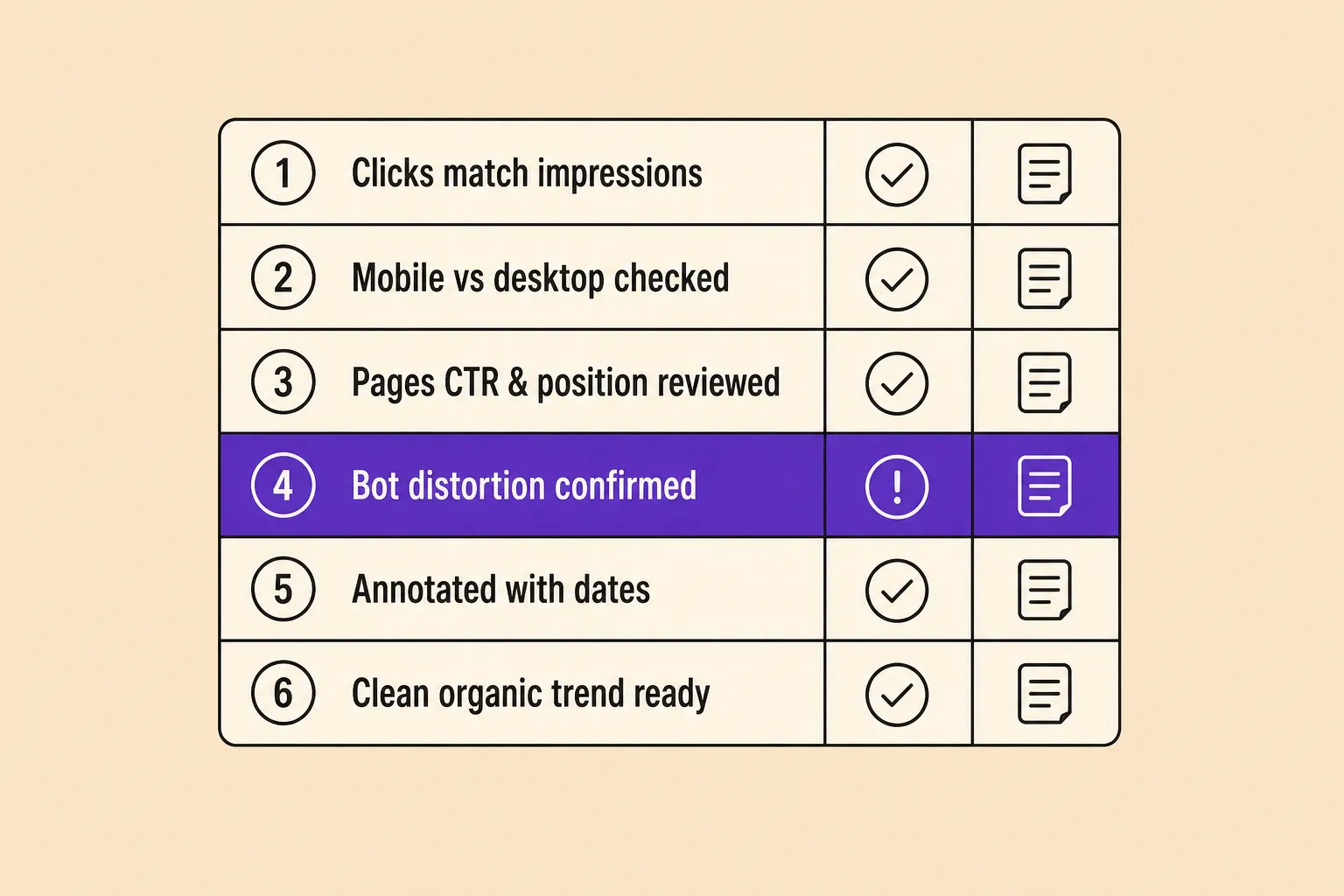
Let's define success before launch, so nobody reads a good week as recovery. Three signals matter. The indexed count on the new domain should track toward your baseline in the Page indexing report. Your earning pages should be indexed and holding impressions. Total search sessions, organic and paid together, should hold against the baseline.
Be patient with rankings. In the case study, top-10 keywords didn't climb until rewrites had been live for months, reaching 338 by December 2025 (28% above the pre-pruning baseline) and 435 in October 2026 (65% above 264). Indexed pages fell 57% over the same stretch (a figure that also reflects later phases and a hosting migration), with 1,369 URLs deliberately noindexed, so a smaller index is fine when every exclusion was a decision.
Key takeaways
- Export Search Console performance and indexing data before launch, then again at 30, 60 and 90 days.
- Give originality its own go/no-go: test every earning page against Google's originality definition before the domain changes.
- Rebuild expertise trapped in audio, PDFs or blurbs at the same address before you move.
- Redirect first, then noindex or unpublish, and update internal links to final URLs.
- Australian businesses: keep the old `.com.au` eligible and renewed for as long as the redirects need to run.
Frequently asked questions
How long does an SEO migration take to recover?
Google gives no fixed timeline: it says a medium-sized site can take a few weeks or more to show new URLs, larger sites longer, with temporary ranking fluctuation. One study of 892 domain migrations found an average of 523 days to match the old domain's estimated organic traffic, though it relied on third-party estimates.
What does "crawled, currently not indexed" mean?
It means Google crawled the page and chose not to index it. Google says the page may or may not be indexed in the future and there is no need to resubmit it. Rule out manual actions and duplication first, then consider page quality and time.
Will moving from .com.au to .com hurt my SEO?
It can weaken your Australian signal, because a ccTLD is a strong country signal and Search Console's country targeting setting is no longer supported. Use hreflang and local signals such as addresses, phone numbers, currency, local links and your Business Profile, and keep the old .com.au renewed so its redirects keep working.
Should I prune content before a site migration?
Yes, if you prune in the right order: redirect first, then noindex or unpublish. Decide page by page rather than by a traffic threshold, and rebuild thin pages that hold real expertise instead of deleting them.
Can a site migration cause a quality problem?
Possibly, but it is unproven. Marie Haynes theorises, without proof, that a migration triggers a stricter quality review, after seeing a technically clean move leave only the homepage indexed four months later. Our view is that this is reason enough to test your top pages for originality before you move.
Check the content before you move the domain
Rankings still matter, and Amina protects them through a move: our pre-migration Website Review checks your redirect map, assesses the originality of the pages that earn traffic, enquiries and AI citations, and exports your Search Console baseline for you, so the new site is built to be found from day one. See how Amina does SEO.