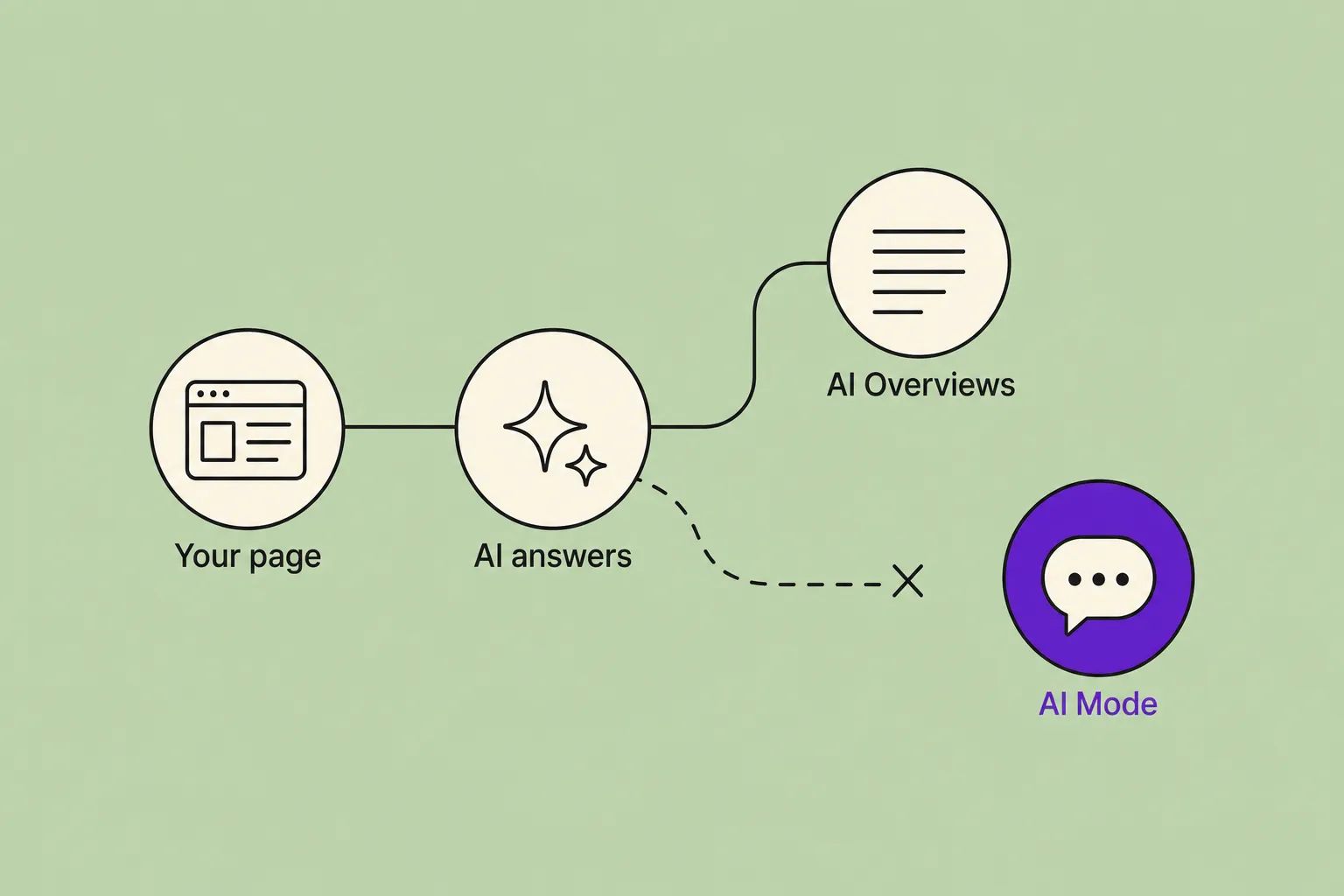
Two Search Console features for the generative-AI era finished reaching every website in the world. One shows where you appear in AI answers; the other lets you decide whether you appear at all.
The worldwide rollout finished on 31 August
We flagged both of these earlier in the year as partial stories. In June, Google introduced a Search Console report for AI visibility, but only a subset of properties had it. Separately, a content opt-out looked like a UK-only legal remedy tied to the CMA. Both have now caught up with each other, and gone global.
As of 31 August 2026, Google confirms on its own help pages that it has rolled out the generative AI performance report to all websites worldwide and rolled out the matching opt-out control to all websites worldwide. This is a completion, not a fresh announcement. Trade press reported the global push in late August, and Google's dated statements confirm the finish line.
The report counts your organic impressions from AI Overviews and AI Mode over time, broken down by page, country, device and date. It carries no click or query data. The June Search Central introduction set the report up; the change now is simply that everyone has it.
The control is a single setting under Settings, then Search generative AI. You can include your content (the default), exclude it, or inherit the choice from a parent property. Excluding takes a few days to take effect. Google states that an opted-out site earns no traffic or impressions from those AI features, and that the choice does not negatively affect your core Search rankings.
A visibility signal, not a demand signal
For a firm that wants to be found, the report answers a question that was guesswork until now: are we showing up when Google's AI writes the answer? You can watch impressions in AI Overviews and AI Mode climb or stall, and see which pages and which countries carry you there. Because there are no clicks or queries attached, read it as a sign of where you are being surfaced, not as a measure of enquiries.
The control is the more consequential lever, and for most professional-services firms it is one to leave alone. Appearing in an AI answer is increasingly how a prospective client first meets your name, so the default (include) keeps that door open. The opt-out exists for sites with a specific reason to keep their content out of AI features, and Google's assurance that it will not dent your rankings gives those sites a clean way to do it. If your goal is enquiries and shortlists, the calm move is to measure with the report and leave the setting on include.
Frequently asked questions
Do I need to do anything?
No. Including your content in Google's AI features is the default, so the control stays as it is unless you change it, and the report appears in Search Console on its own. If you want to see how you show up in AI answers, open the report; there is nothing to switch on.
Will opting out hurt my Google rankings?
Google states that excluding your content from its generative AI features does not negatively affect your core Search rankings. What you do give up is impressions and traffic from AI Overviews and AI Mode, and the change takes a few days to take effect.
What does the report actually measure?
Organic impressions from AI Overviews and AI Mode over time, broken down by page, country, device and date. It does not include click or query data, so treat it as a sign of where you are being surfaced, not of demand.
Should my firm opt out?
For most firms that want to be found, no. Appearing in an AI answer is a way prospective clients meet your name, so leaving the default in place keeps that door open. Opting out mainly suits sites with a specific reason to keep content out of AI features.
Where do I find these in Search Console?
The generative AI performance report sits with the other performance reports. The opt-out lives under Settings, then Search generative AI, where you can include, exclude, or inherit the setting from a parent property.