A developer at CSS-Tricks describes losing an entire Saturday to a feature that, by every demo he'd watched, should have worked in two lines of code. He wanted smooth, native-app-style transitions between plain HTML pages — no React, no router, no build step. He copied the tutorial character by character. Nothing happened. No animation, no console error, no clue.
That experience is the whole story of modern web UX in 2026. The capability to make an ordinary multi-page site feel like a polished app is now built into the browser and free to use. But the effect is conditional. It switches itself off when your server responds too slowly, and it can actively harm users who've asked their device for less motion — and it does both silently. The argument of this piece: "it looks modern" and "it works" have quietly become two different claims, and the gap between them is exactly the kind of invisible fault a proper technical review exists to catch.
App-like UX without the framework — the promise, and the catch
For years, the price of slick page transitions was a JavaScript framework and a client-side router pretending your multi-page site was a single-page app. Cross-document view transitions remove that tax. As CSS-Tricks lays out in its two-part series on the feature, you can now link plain HTML pages together and have the browser snapshot the old page, snapshot the new one, and animate between them automatically.
The current opt-in is a CSS at-rule — `@view-transition { navigation: auto; }` — placed on both pages. (If you've seen the older `<meta name="view-transition">` tag in a tutorial, that approach is deprecated; CSS-Tricks notes Chrome shipped it, then replaced it, and that many high-ranking older posts still show the dead syntax with no warning.) As of 2026 the feature works in Chromium-based browsers and Safari 18.2+, with Firefox support in progress.
This is genuinely global standards work, not an AU- or UK-specific trick — so the temptation for an agency is to treat it as a free win: add two lines, ship a more premium-feeling site, move on. That's the catch. The same article that explains how to turn the effect on spends most of its length on the ways it falls apart on a real site, with real content, on real connections. Two of those failure modes matter far more than the rest, because they fail quietly — the site looks fine in the demo and broken in the wild, with no error to chase.
The hidden ~4-second timeout that silently penalises slow servers (TTFB)
Here is the gotcha CSS-Tricks says "nobody puts in their blog post": cross-document view transitions have a hard timeout of roughly 4 seconds. If the incoming page doesn't reach a state the browser considers renderable within that window, the transition simply dies — no animation, no cross-fade, the new page snaps in as if the feature didn't exist. Unless you've wired up a `pagereveal` listener with your console open, you get no signal that anything went wrong.
Crucially, the article points out that the clock starts when navigation begins, not when the new page's HTML starts arriving. Network latency counts. Time to First Byte (TTFB) counts. As the author puts it, if your server takes two seconds to respond and the page takes another 2.5 to render, you're over the limit "even though neither half feels slow on its own." The timeout, in their framing, is acting as a performance canary: if your transition is dying, that's a signal your page load is genuinely slow.
This is where the feature stops being abstract for an Australian audience. TTFB is largely a function of how far the request has to travel and how quickly the origin or CDN edge answers it. For a user in regional Australia — on an NBN connection a long way from the nearest edge node — that round trip is structurally longer than it is for someone in a metro CBD sitting near a data centre. [AU] The practical consequence is brutal and counter-intuitive: a site can pass every check on a Sydney developer's machine, where the dev server answers in 80 milliseconds, and then serve zero transitions to a user in Cairns, Toowoomba or the Wheatbelt — not because anything is "broken" in any way a status code would show, but because the response simply didn't clear the bar in time. The site looks sluggish or half-finished with no obvious cause. [UK] The same dynamic plays out for users far from London peering points, just compressed onto a smaller landmass.
CSS-Tricks offers two responses. The first is unglamorous: make the page faster — investigate render-blocking hero images, slow server-side calls, and fonts loading with `font-display: block`. The second is the `pagereveal` event combined with telling the browser not to consider the page renderable until the important content is actually present, trading a slightly delayed first paint for a transition that survives. Both are real fixes. But notice what they require: someone has to know the timeout exists and has to be testing under conditions that resemble a real, distant, slower-than-localhost connection — which is precisely the test most teams never run.
The accessibility gate: prefers-reduced-motion isn't optional
The second silent failure is the opposite of a performance problem — it's a harm you can only see if you go looking for it. CSS-Tricks is blunt about it: "animations can literally make people physically nauseous. Always check that preference and respect it." The mechanism is the `prefers-reduced-motion` media query, which lets a user's operating-system setting tell your site to dial motion down or off. Gating the transition behind it isn't a nicety bolted on at the end; the series treats it as a core requirement of doing the feature correctly.
This maps directly onto an existing standard. WCAG 2.1 addresses motion explicitly — success criterion 2.3.3 Animation from Interactions asks that motion triggered by interaction can be disabled unless it's essential. A page-to-page cross-fade is the textbook case: pleasant for most, genuinely unpleasant or disorienting for users with vestibular conditions. Honouring `prefers-reduced-motion` is how you satisfy that criterion in code.
And in both of M2.0's core markets this sits inside a legal expectation, not just a guideline. [AU] Under the Disability Discrimination Act 1992, accessible digital experiences are a recognised obligation for many organisations, with WCAG conformance the practical benchmark agencies are held to. [UK] The Equality Act 2010 creates a comparable duty, and public-sector bodies face specific accessibility regulations on top of it. The point isn't to overstate any single statute — it's that an agency shipping an ungated, motion-heavy transition is shipping a defect that is at once an accessibility failure and, potentially, a compliance one. Worse, it's invisible to the person who built it: if the developer's machine doesn't have reduced motion turned on, the animation looks perfect to them every single time.
Doing it right at scale — and how to know if your sites already fail quietly
Suppose you clear both gates. The follow-up problem CSS-Tricks documents in Part 2 of the series is volume: a grid of dozens of product cards, each needing a unique `view-transition-name`, can turn a stylesheet into hundreds of brittle declarations. The article's answer involves `view-transition-class` (distinct from `view-transition-name` in non-obvious ways) and a just-in-time naming pattern driven by the `pageswap` and `pagereveal` lifecycle events — which is the same machinery you need anyway to manage the timeout and the reduced-motion gate cleanly. The takeaway for an agency owner isn't the CSS itself; it's that "make it modern" is a small amount of work and "make it modern correctly, at scale" is a real engineering task with three independent ways to fail.
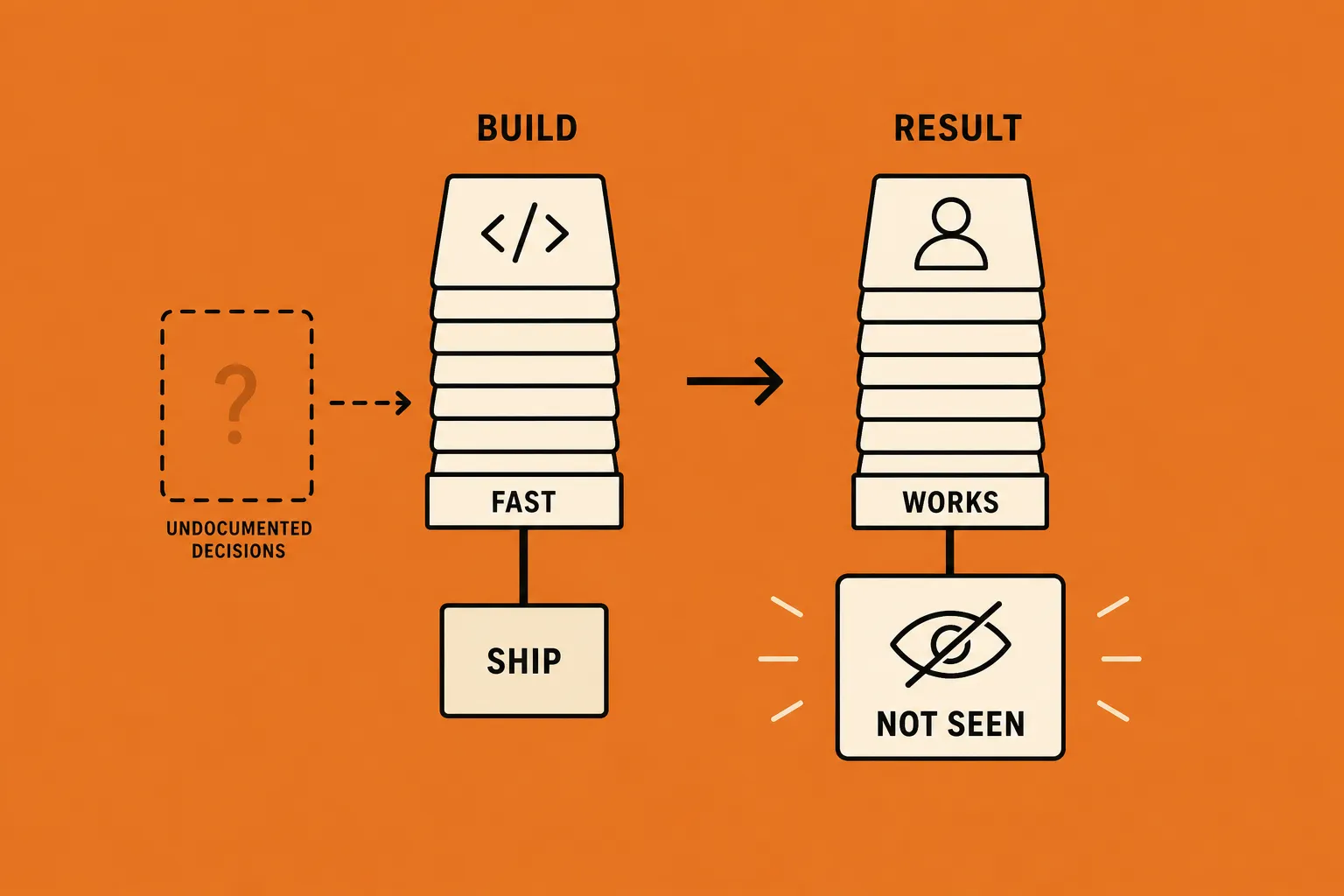
Which raises the question that actually matters for an agency running a portfolio of client sites: how would you even know if your sites already fail quietly? None of these faults shows up as an error. The TTFB timeout is invisible unless you test from a slow, distant connection. The reduced-motion gap is invisible unless you flip the OS setting and re-test. The deprecated opt-in degrades to nothing, not to a warning. This is the analytical core of the piece: looking modern and working are now separate properties, and the difference lives in conditions your normal development environment is specifically optimised to hide from you.
Key takeaways
- Cross-document view transitions are now framework-free. Two `@view-transition` CSS rules give a multi-page site app-like navigation with no React, router or build step — but the older `<meta>` tag is deprecated and silently does nothing.
- TTFB is a UX feature, not just a metric. A ~4-second renderable timeout (clock starts at navigation, so network latency and TTFB count) silently disables the transition on slow responses — a real exposure for users on regional Australian connections far from a CDN edge. [AU]
- `prefers-reduced-motion` is a gate, not an option. Honouring it satisfies WCAG 2.1 (2.3.3) and aligns with obligations under the AU Disability Discrimination Act 1992 and the UK Equality Act 2010. An ungated transition is a defect you can't see on your own machine.
- All three faults fail silently. No error code, no console warning by default — they only surface under a slow, distant connection or with reduced motion switched on, exactly the conditions a normal dev setup hides.
- Test the way your users actually browse. Throttle the connection, test from a real regional location, and toggle the OS reduced-motion setting before you call a transition "done".
Run the check before you ship the polish
If your agency is adding modern transitions to client sites, the cheapest insurance is a short, repeatable check across the portfolio: throttled-connection TTFB, a reduced-motion pass, and a confirmation the opt-in is actually firing. That's exactly what a Website Review is built to surface — the TTFB and accessibility faults a site can't show you on its own — and it's the kind of demonstrable technical-quality check you can run, and white-label under your own brand, across every site you manage. Modern is easy to add. Knowing it works for the user in Cairns on their phone with reduced motion on is the part worth verifying.